> For the complete documentation index, see [llms.txt](https://docs.epikprime.com/epik/llms.txt). Markdown versions of documentation pages are available by appending `.md` to page URLs; this page is available as [Markdown](https://docs.epikprime.com/epik/support/how-to/buy-sell-auction-in-the-marketplace.md).
# Buy, Sell, Auction in the Marketplace
## Buying in Marketplace
**Step 1: Browse Collections**
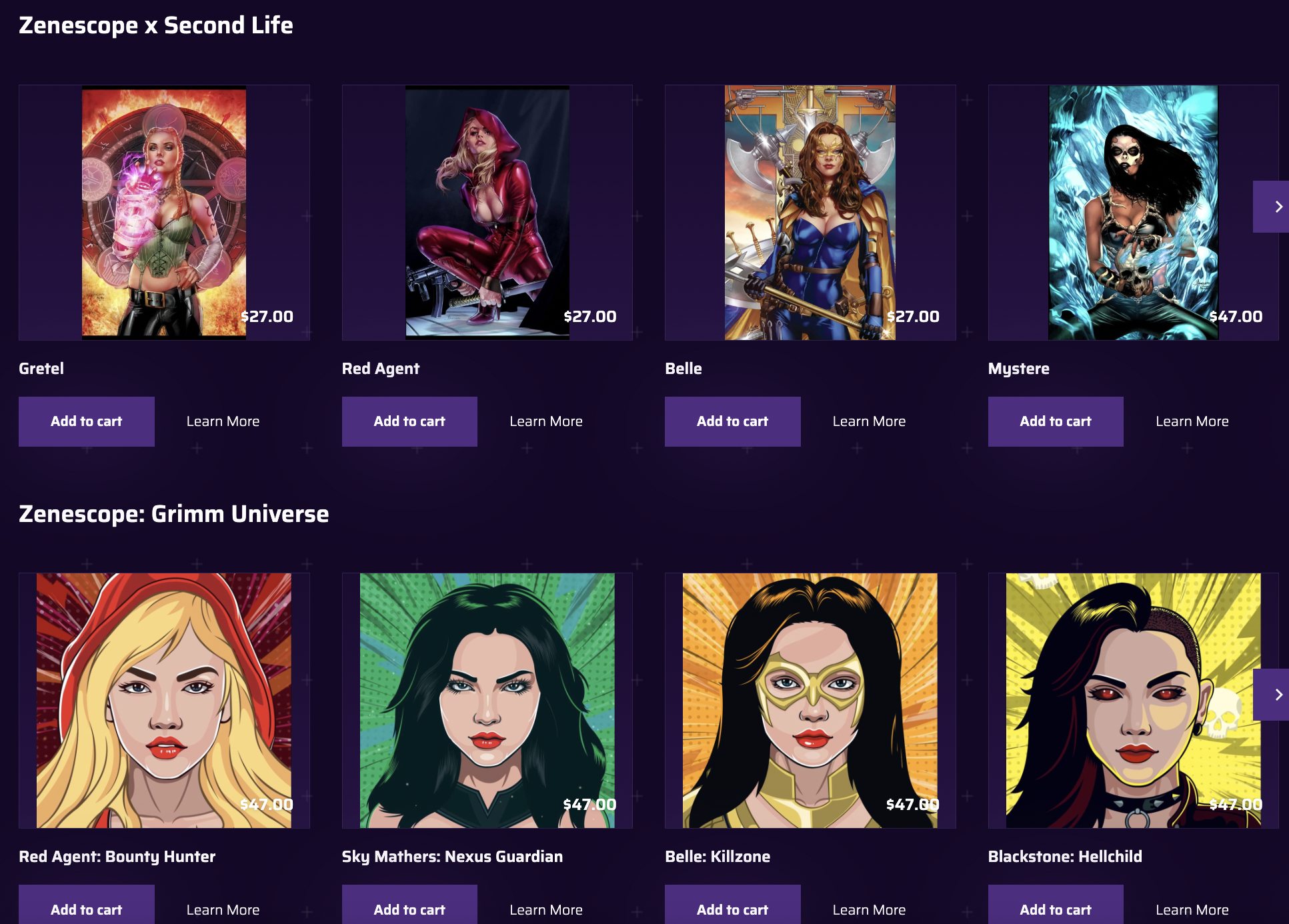
Epik offers premium NFT in its NFT Marketplace. Browse tons of collections and choose what NFTs to buy.
**Step 2: Add to Cart**
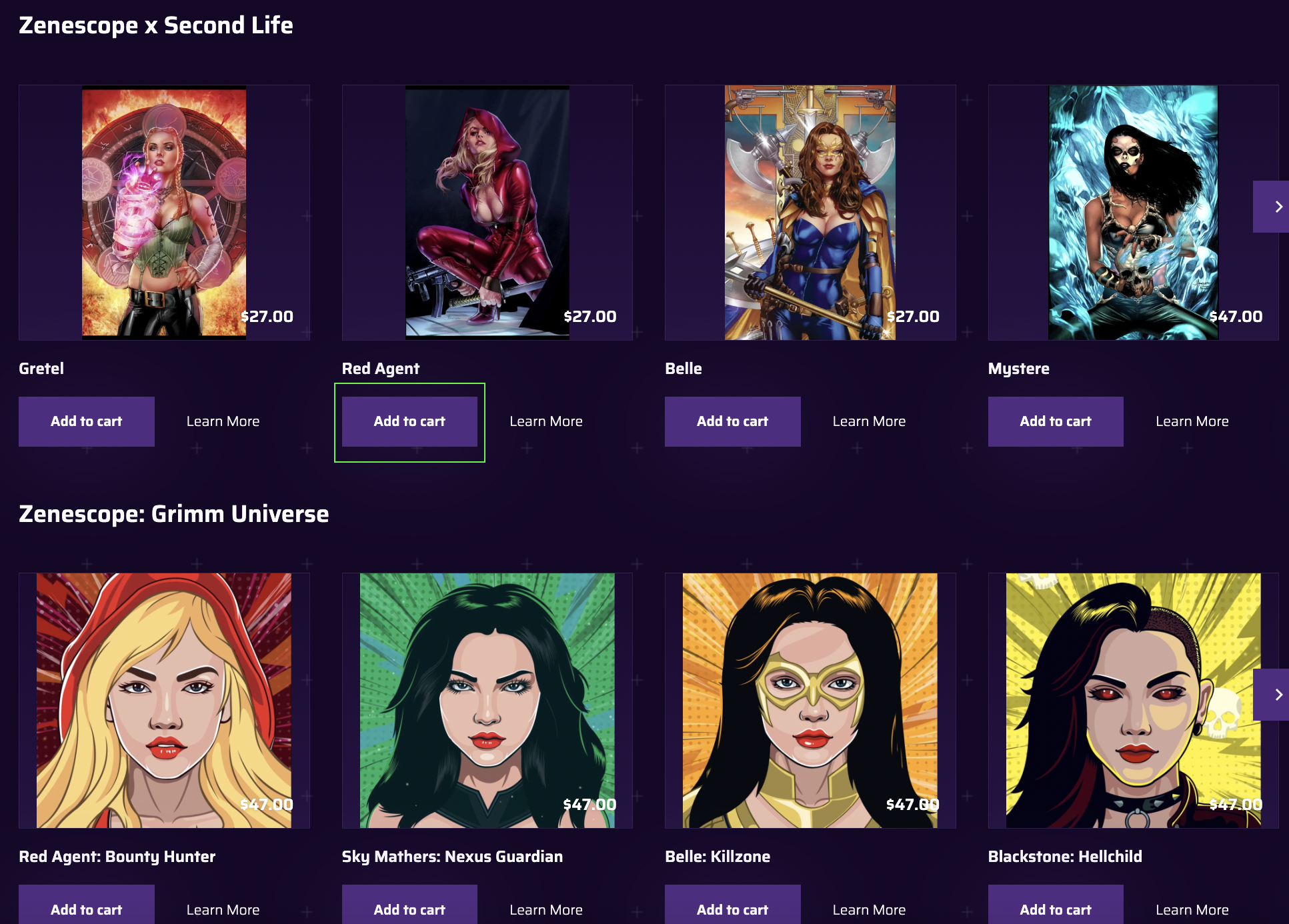
After choosing NFTs to purchase, click "Add to Cart" button.
**Step 3: Continue to Payment**
Checkout and authorize payment through your wallet.
## Selling in Marketplace
**Step 1: Go to Items**
Go to epikprime.com and log in then click Profile. A dropdown menu will appear then click Items.
**Step 2: Select the item to put up for auction.**
Browse items and select the NFT to put up for auction.
**Step 3: Click "Put up for Auction".**
Once done, users will land on a page showing the item’s information, history, and product information. Scroll down to the bottom of the page and click the Put up for auction button.
**Step 4: Fill up the required fields for auction.**
A pop-up will appear showing blank fields for the Minimum Bid, Reserve Price, Buy it Now price, and Auction Expiration (date and time). Fill out the blank fields then click Done.
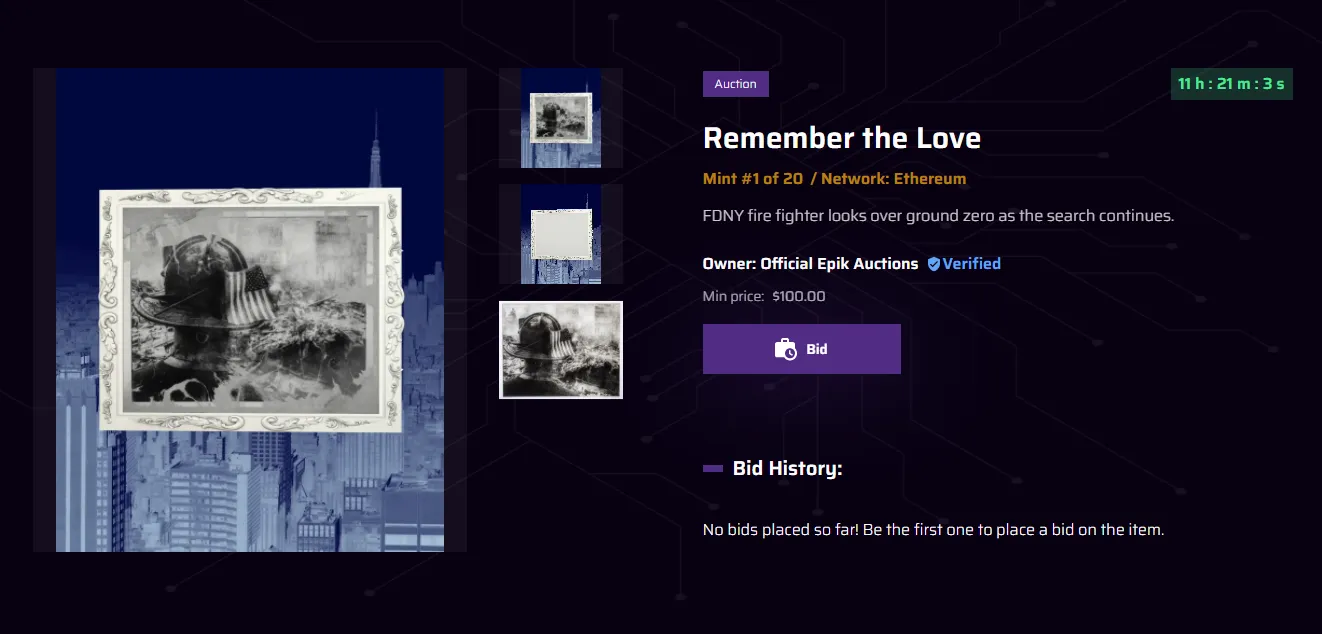
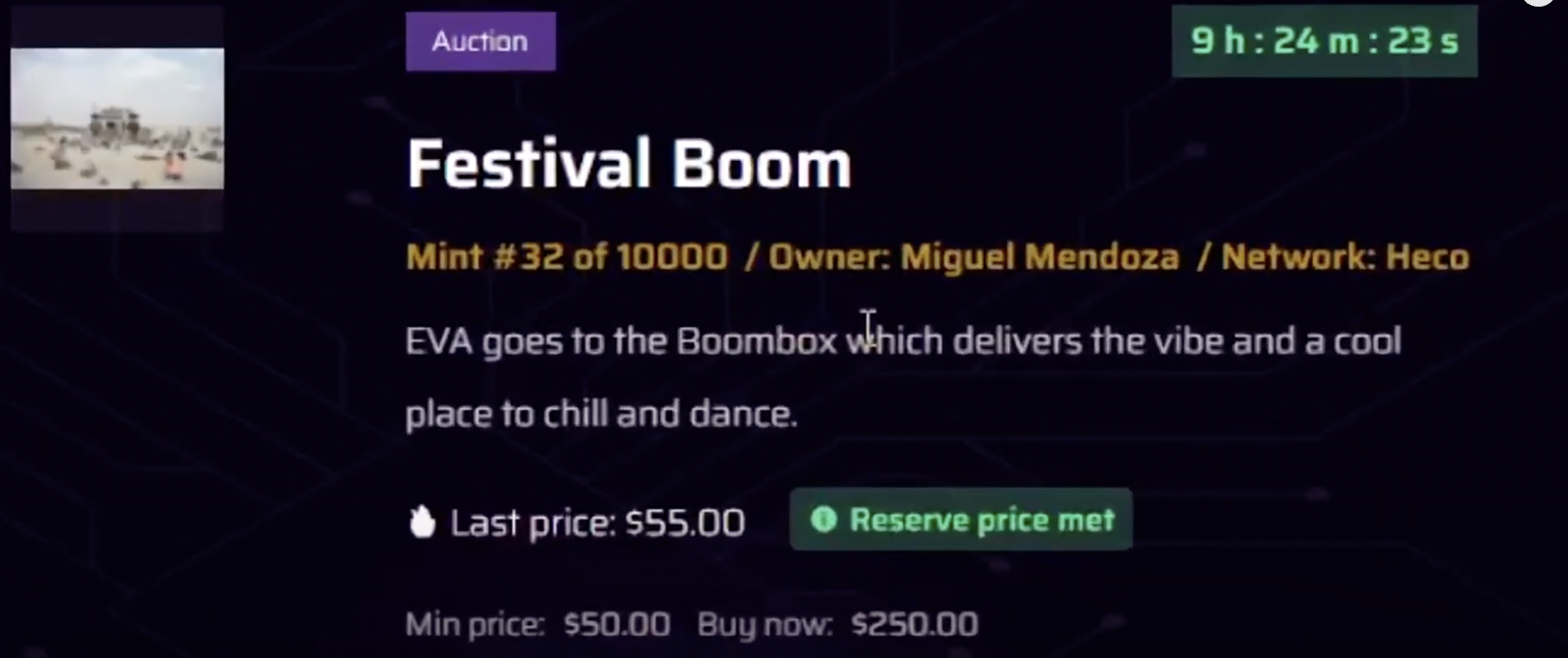
Note: You will see a countdown timer on the item’s auction page indicating how much time is left for the buyers to place their bids before the auction closes.
If you wish to adjust the Minimum Bid, Reserve Price, Buy it Now price or Auction Expiration (date and time) during the auction period, you can just click the **Edit Auction** button and a pop-up will appear similar to Step 4 above. Once set, you can click **Done**.
## Bid on an Item
**Step 1: Select an Item to place a Bid.**
Browse in Epik's NFT Marketplace for collection and items to place a Bid on.
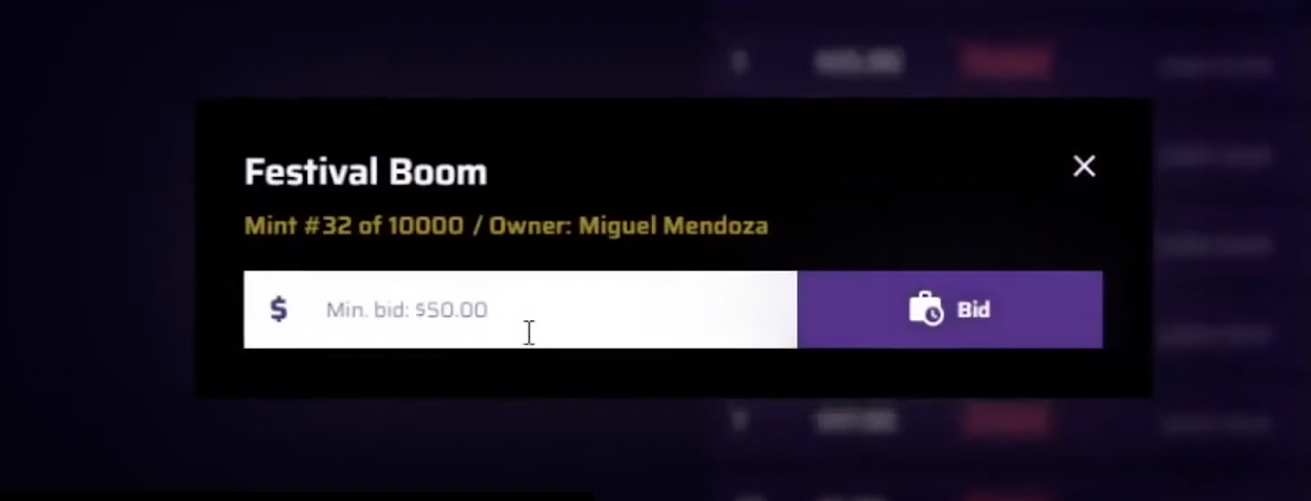
**Step 2: Enter Bid Amount.**
A pop-up will appear once you click the **Bid button** where you will enter your bid amount. Each NFT item being auctioned has a minimum bid amount which is the lowest acceptable bid price you can make.
**Step 3: Wait until the countdown timer is done.**
Once the bid is entered, users should wait until the countdown timer is done. After the countdown, the winning bid will acquire the NFT.
Note: This is how it will look once no one tops a user's bid. Users will be considered the **Winner** and you have 24 hours to complete your purchase by paying through Ethereum.